Note:
— The deletion of API key can only be done on the website, there is no option to do it via Bybit Indonesia app.
Mainnet account settings URL: https://www.bybit.id/app/user/api-management
Testnet account settings URL: https://testnet.bybit.id/app/user/api-management
Step 1: Click on the link above to enter your account's settings page. Perform a login if prompted.
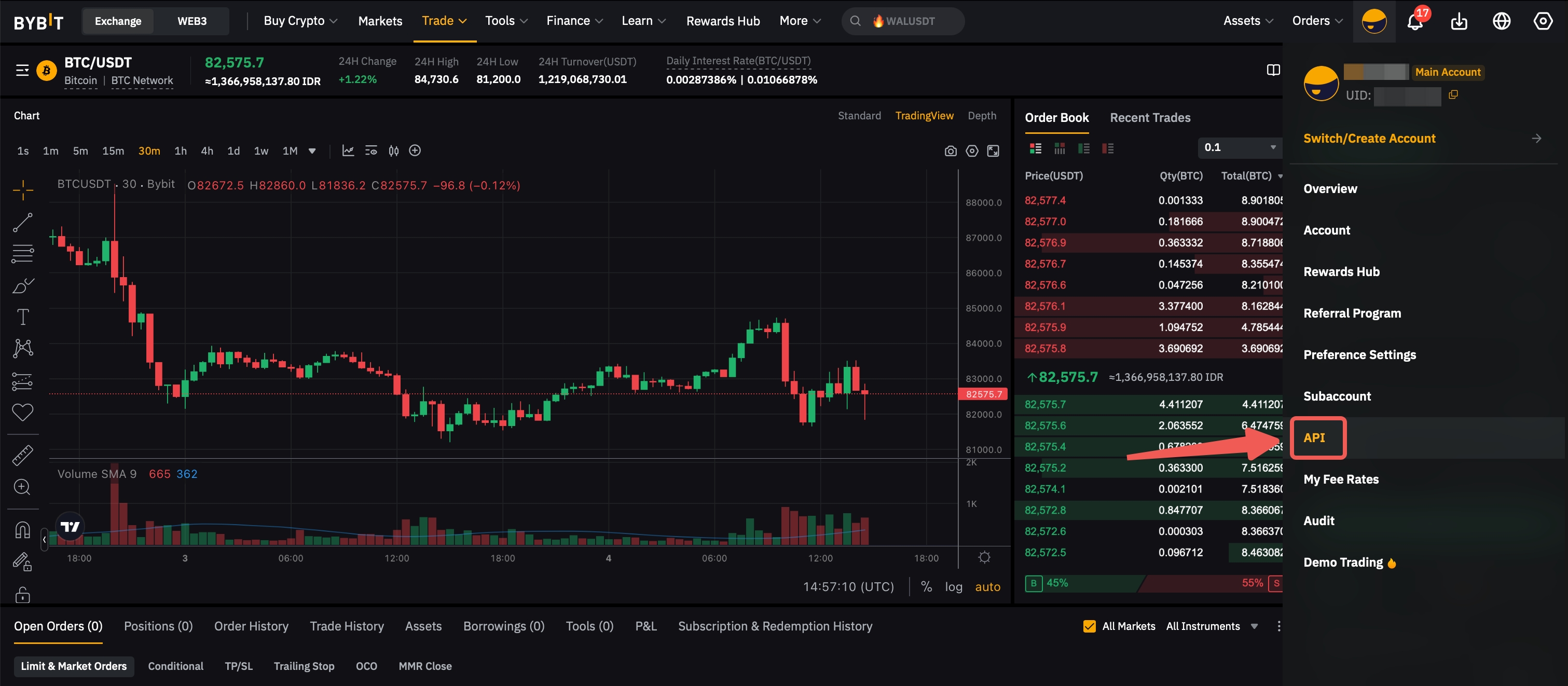
Alternatively, you can manually navigate to the API Management page by following the steps illustrated in the image below:
-
Top right corner of any Bybit Indonesia webpage, hover your cursor over the Profile icon.
-
Once the drop-down menu appears, click on the API section to open the API Management page.
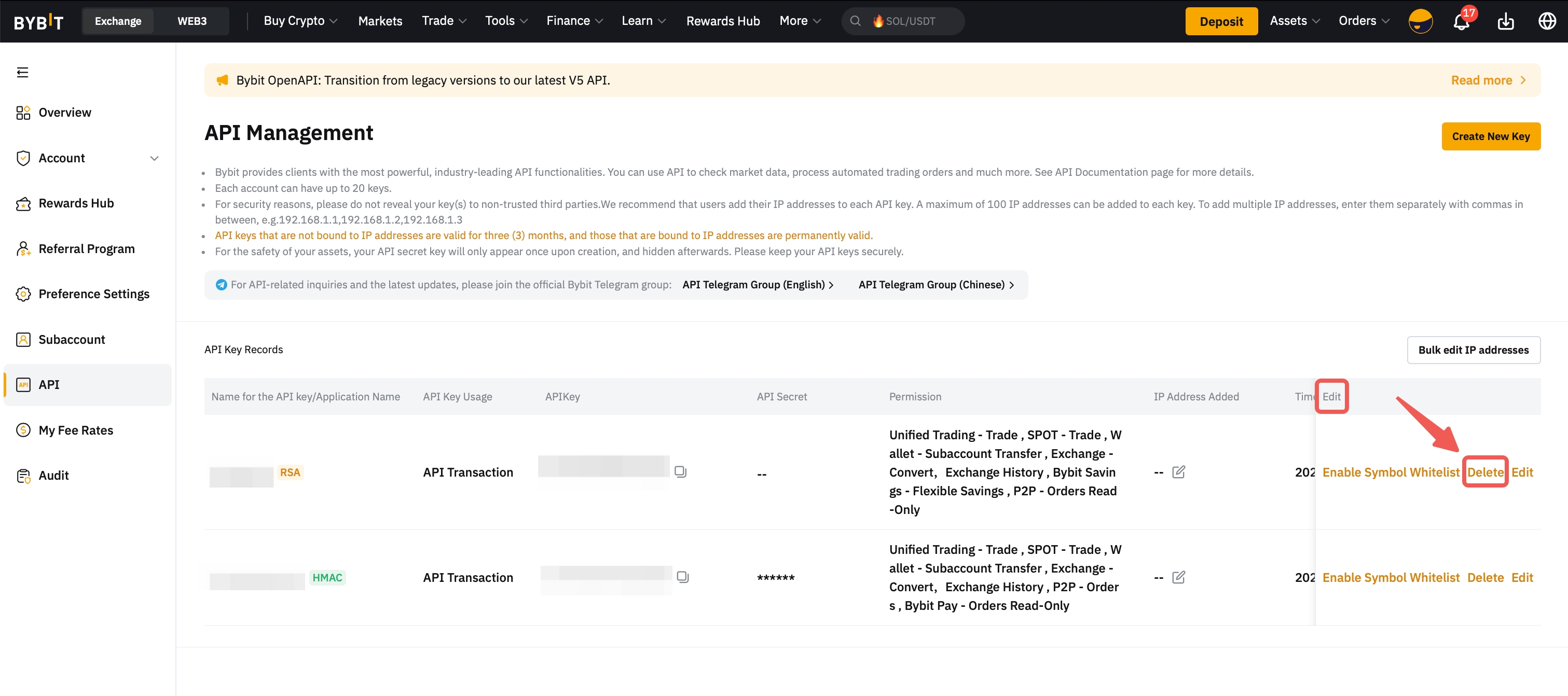
Step 2: Inside the API Management page, under the Edit column, click on the Delete button.
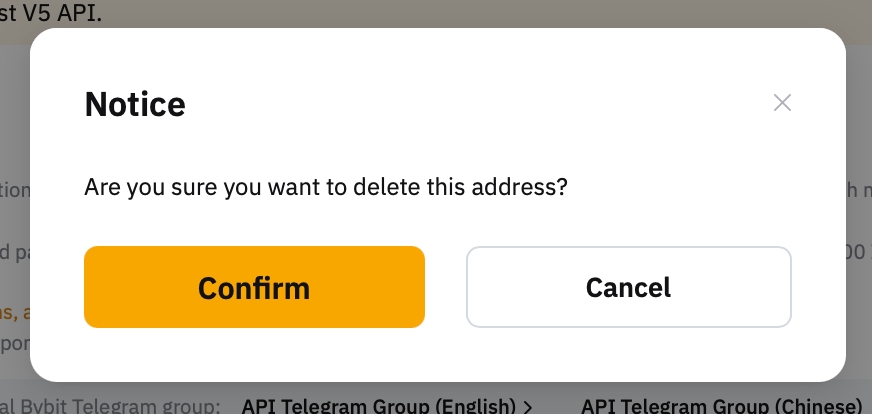
Confirm the deletion by clicking on the pop-out Confirm button.
You have successfully deleted your API key!